Add Data
Add Data to Knowledge Base
A knowledge base is a collection of information your AI agent uses to answer customer questions accurately. It’s made up of “articles” - small pieces of information about specific topics related to your business.
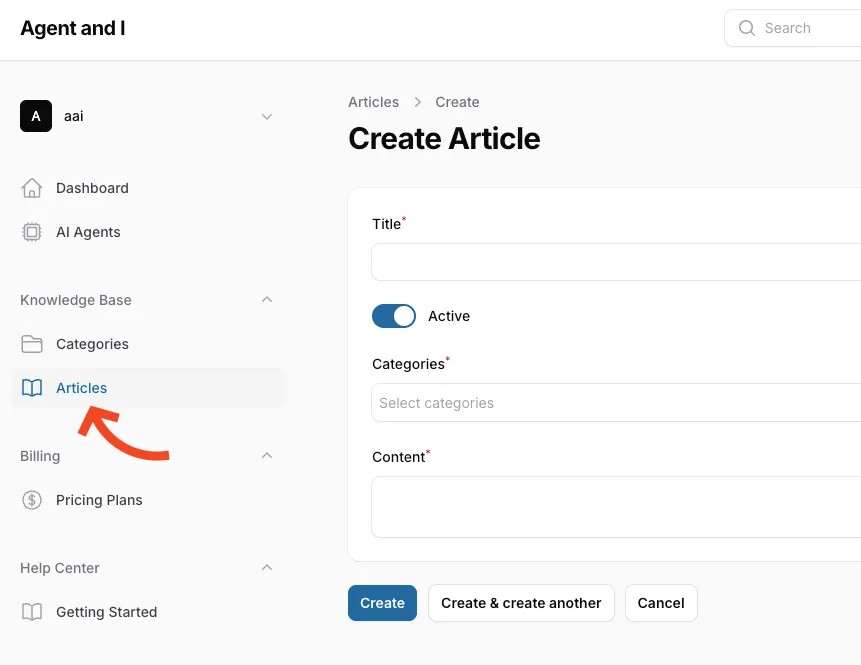
- Go to the Knowledge Base section in the sidebar.
- Add articles with information:
- Go to Articles
- Click New Article
- Fill in the required fields:
- Title: Enter a descriptive title
- Categories: Select categories for the article
- Content: Add detailed information your agent should know
- Click Create to save your article