Response Settings
You can configure how your AI agent’s responses are handled:
- Review before send: Review AI-generated responses before they are sent to clients
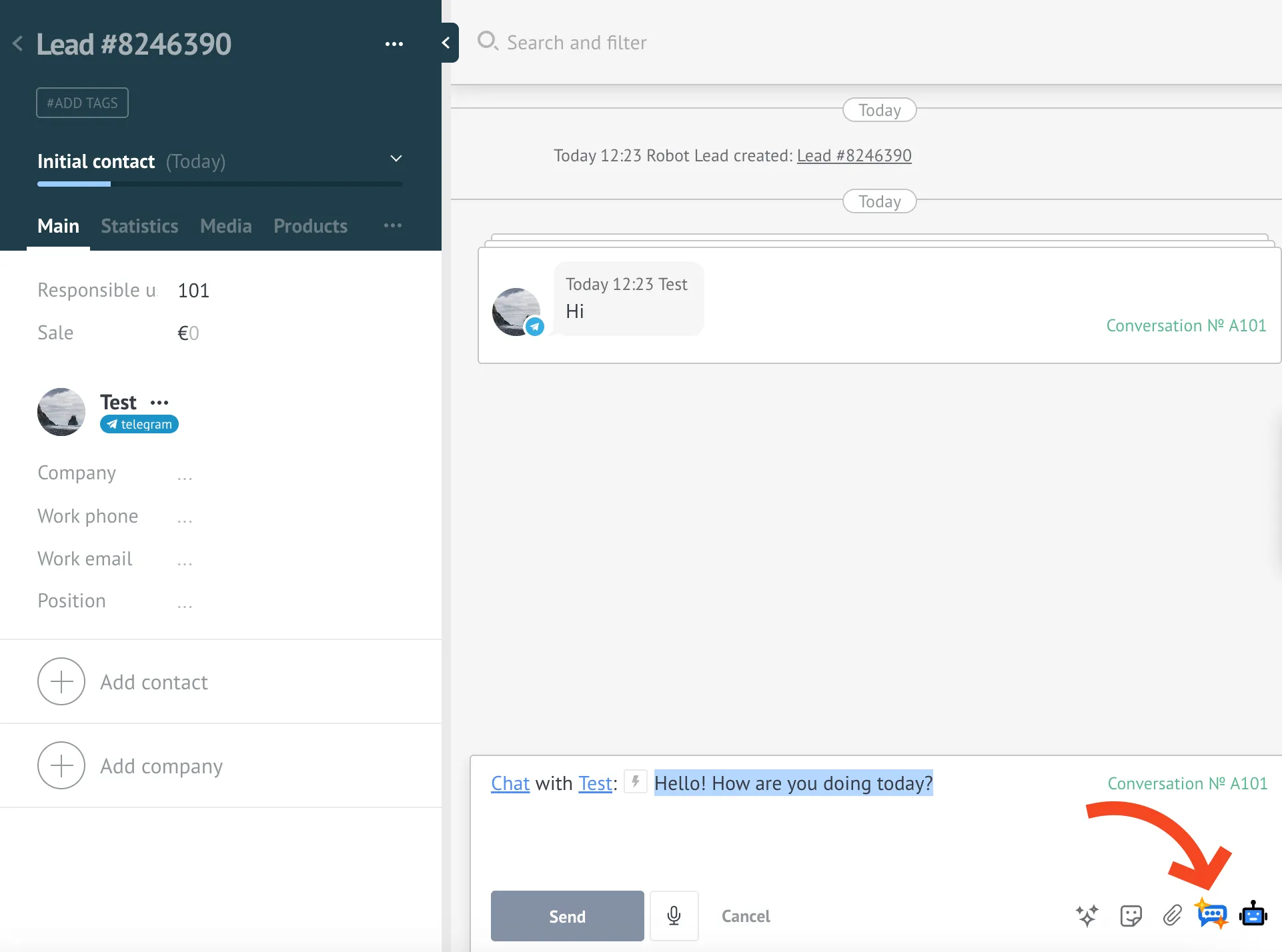
- Manual generation (with Review before send): The AI won’t generate a reply automatically. Click the “Generate message” button in Kommo’s message box to create a draft.
- Automatic sending: Responses generated by your AI agent are sent automatically to clients
By default, automatic sending is enabled. Enable “Review Before Send” if you want to approve AI responses before they are sent to clients. Optionally, turn on “Generate reply manually” to create responses only on demand.
Below are the steps to configure the response settings.
Configuring Response Settings
- Go to your AI agent’s General tab.
- Find the Review Before Send option in the Interaction section.
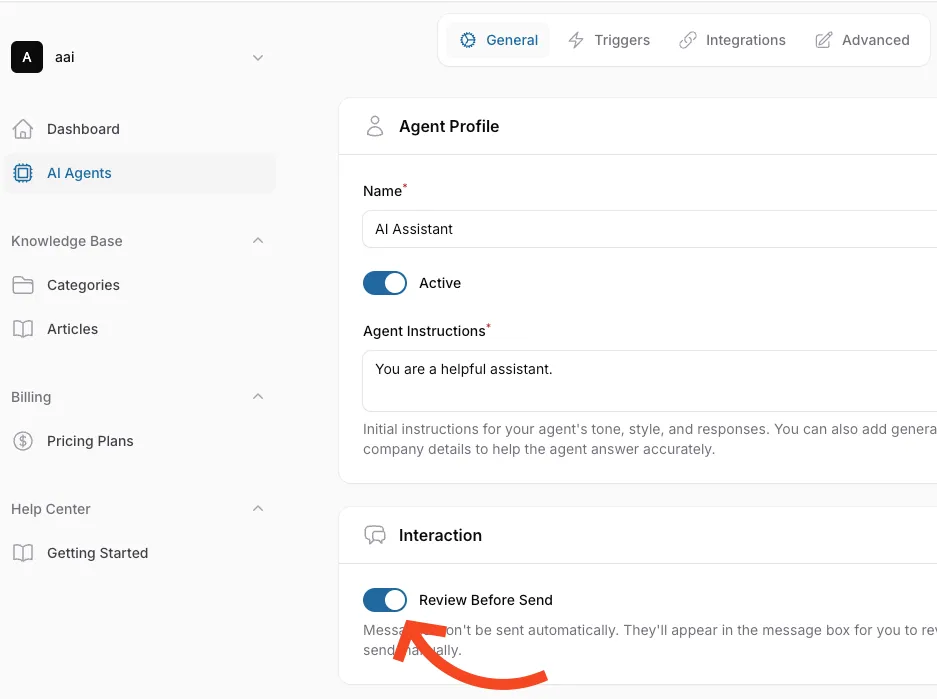
- Enable this option if you want to review AI responses before sending them to clients.
- When disabled, responses will be sent automatically.
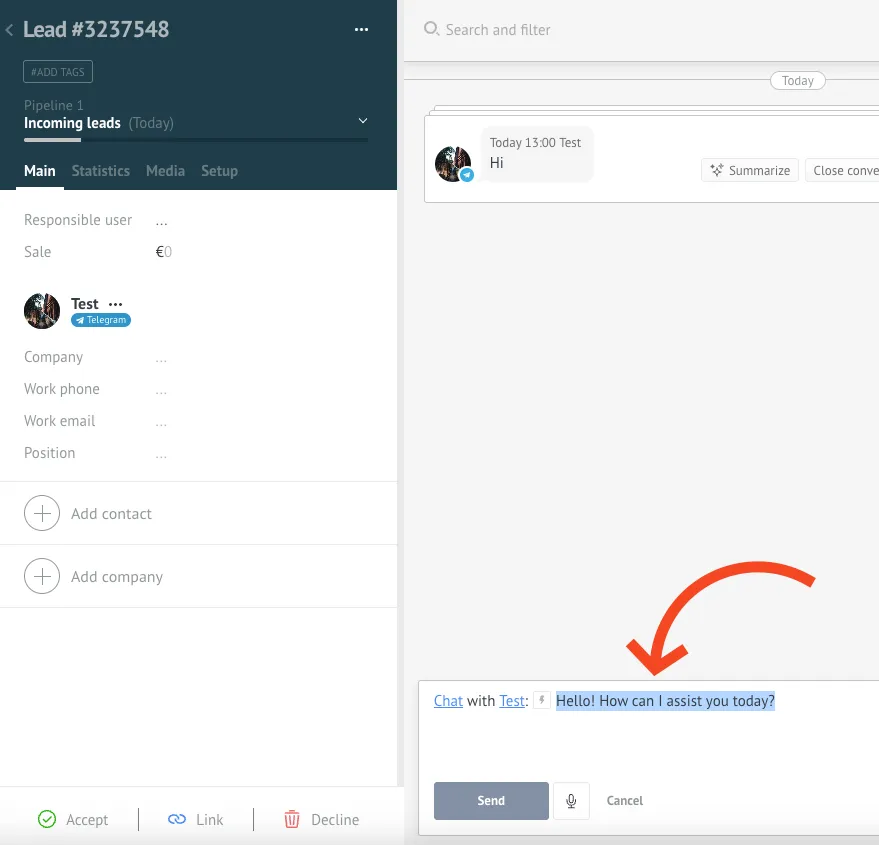
- When enabled, AI responses will show up in your Kommo message box for you to review before sending.
- (Optional) Enable Generate reply manually to create responses only when needed.
- With this enabled, the AI won’t auto-generate a reply. Click in the Kommo message area and press the “Generate message” button to get a draft.
- You can click the button again to generate a new response if you want a different version.